# Sandbox Testing Walk-Through
### MCP Observability
1. Login to your BlueRock Sandbox instance
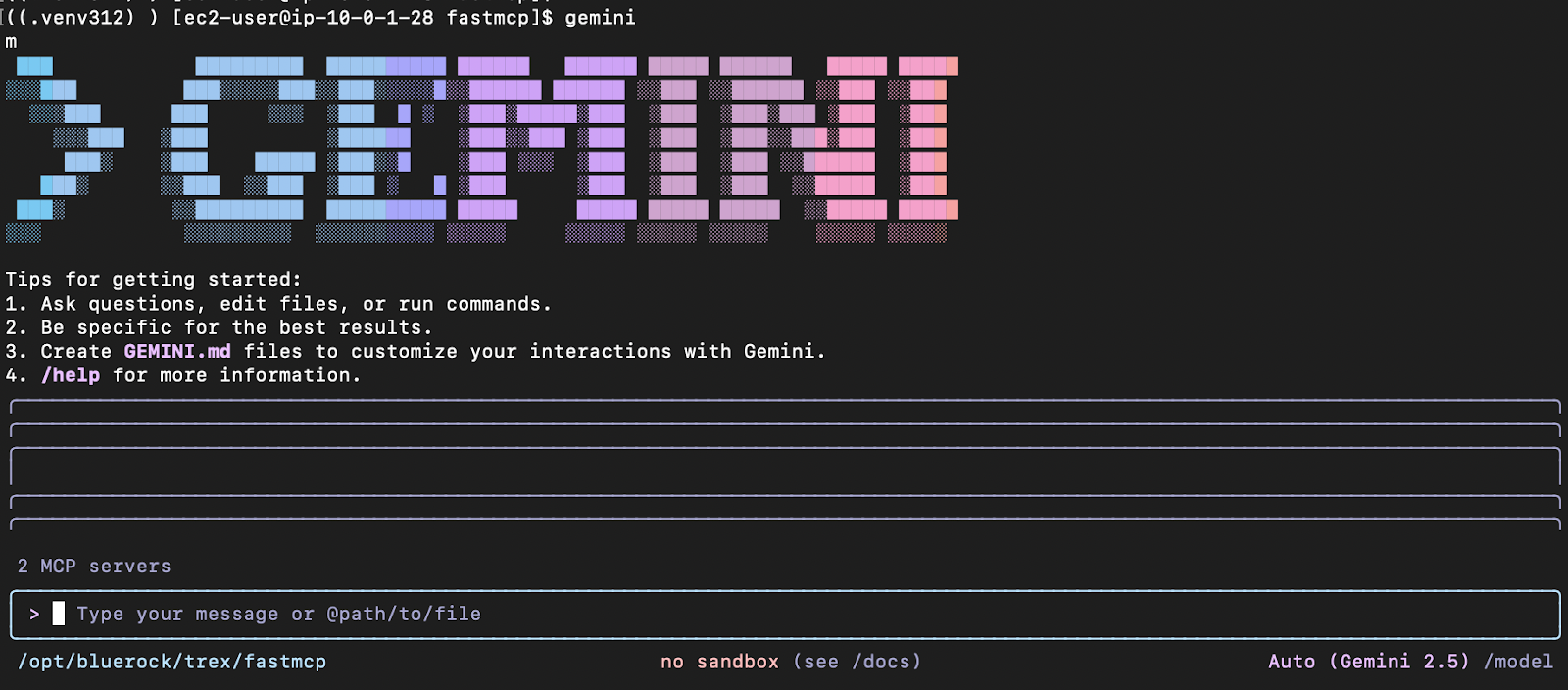
2. Gemini is preloaded on the instance as an example. Run the gemini CLI command::\
\
`gemini`
\
You may need to start the MCP servers first:
\
`cd /opt/bluerock/trex/servicenow-mcp`
`source .venv/bin/activate`\
`servicenow-mcp-sse --host=127.0.0.1 --port=8001 &`
3. Open a second terminal session.\
\
`cd /opt/bluerock/trex/fastmcp`\
`source .venv/bin/activate`\
`python my_server.py &`
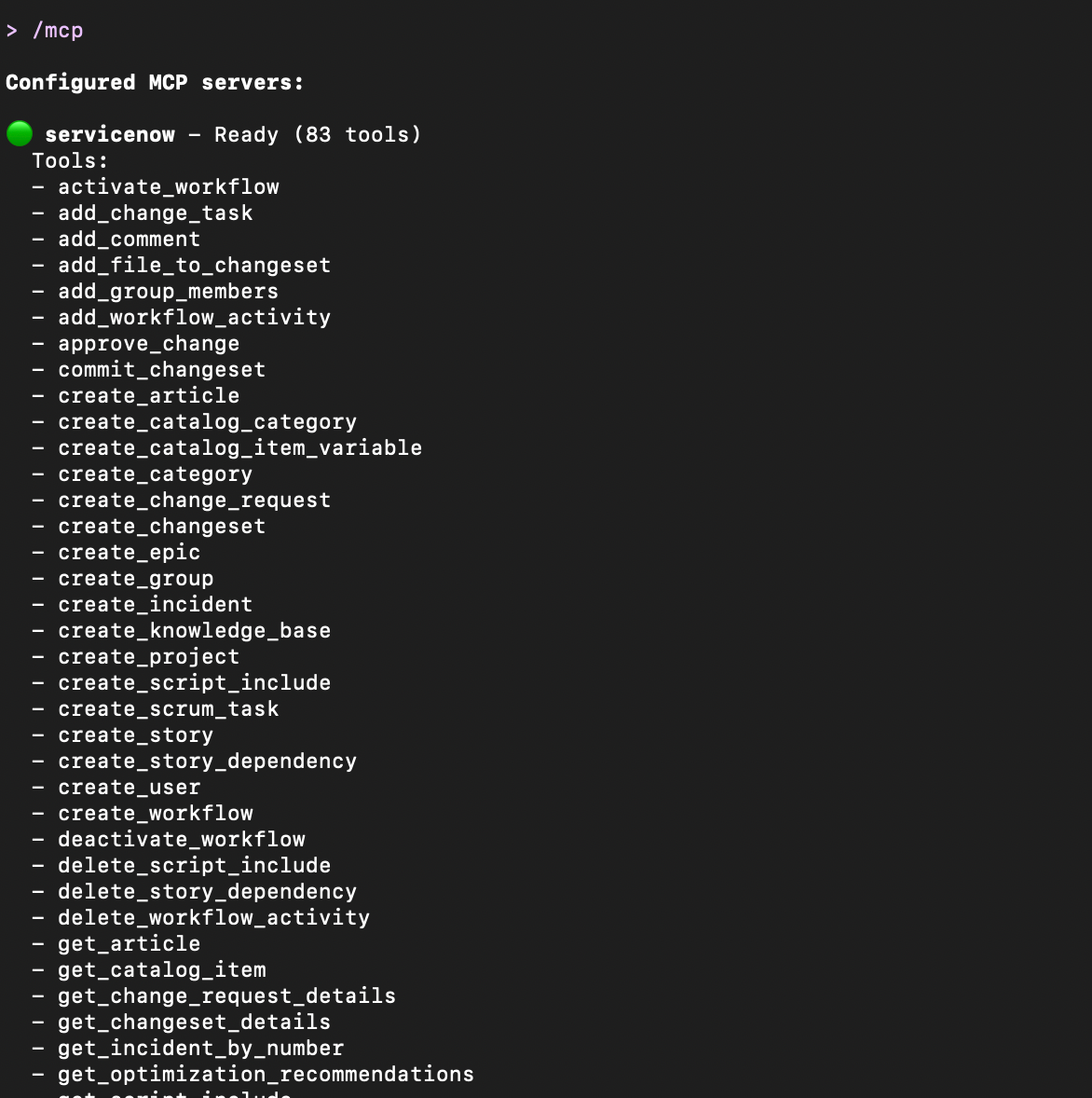
4. Run `/mcp` in the gemini CLI to view all available tools
\
The following tools will display:
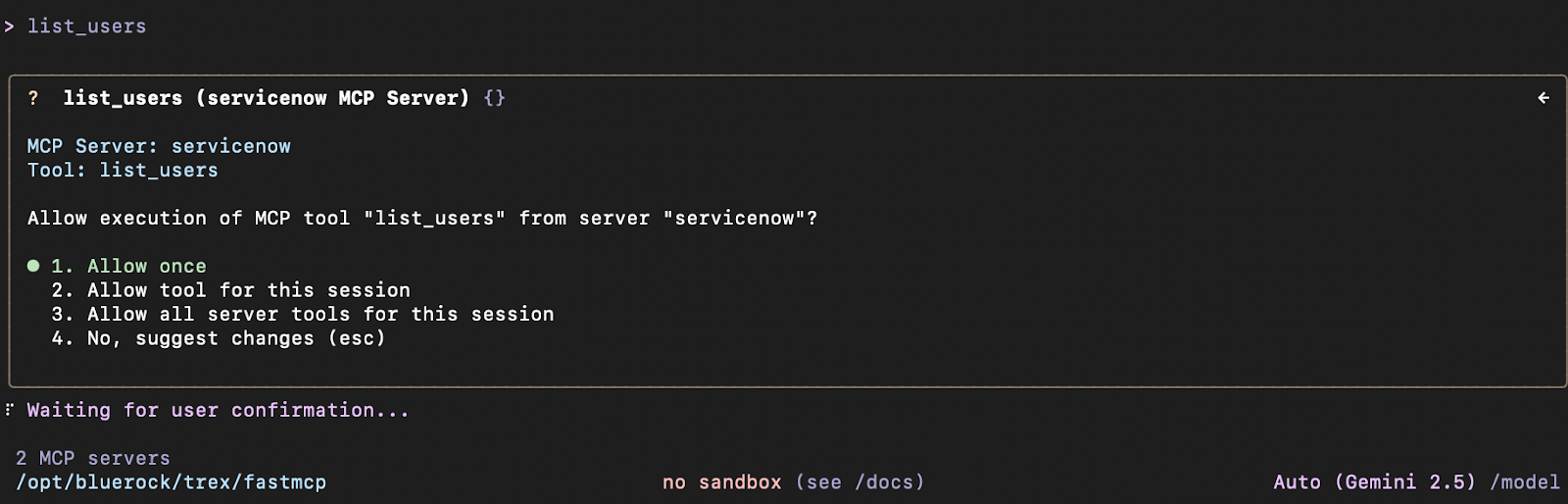
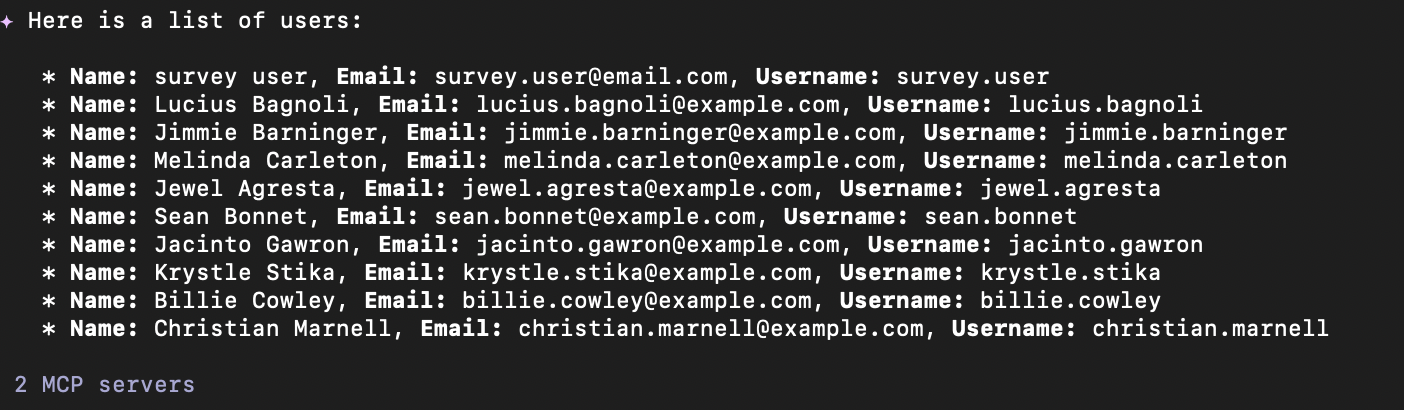
5. Execute the list\_users tool for servicenow:
6. Execute the mongo\_list\_databases tool for FastMCP:\
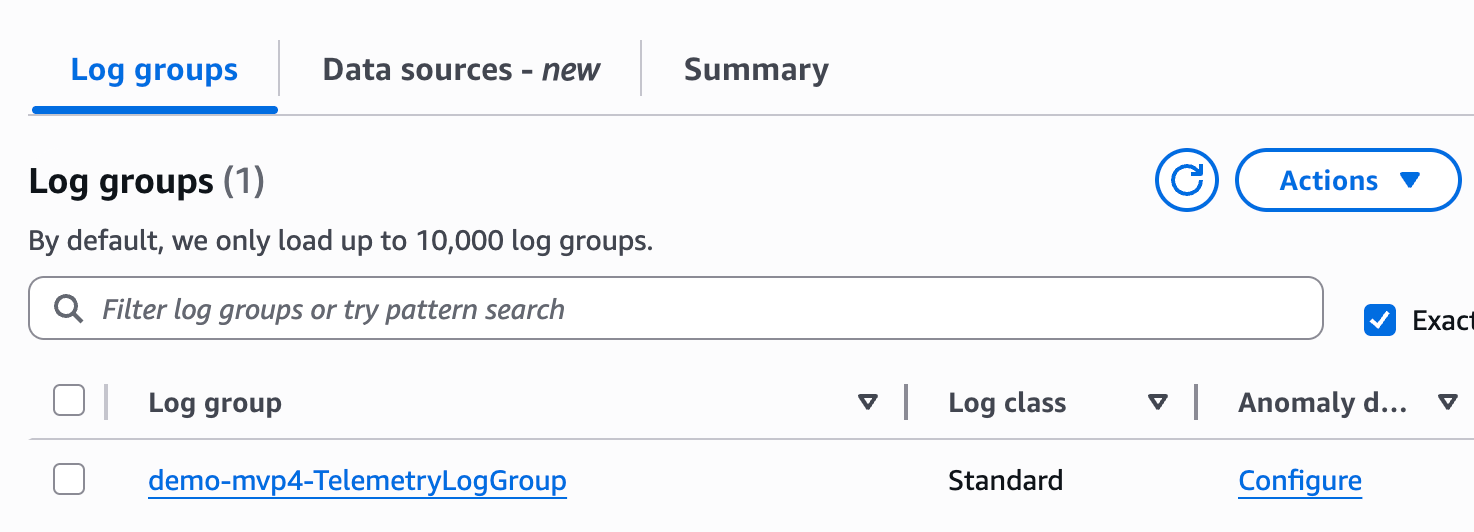
7. Now let’s check the CloudWatch logs in AWS. Navigate to CloudWatch and select your **Log group**\
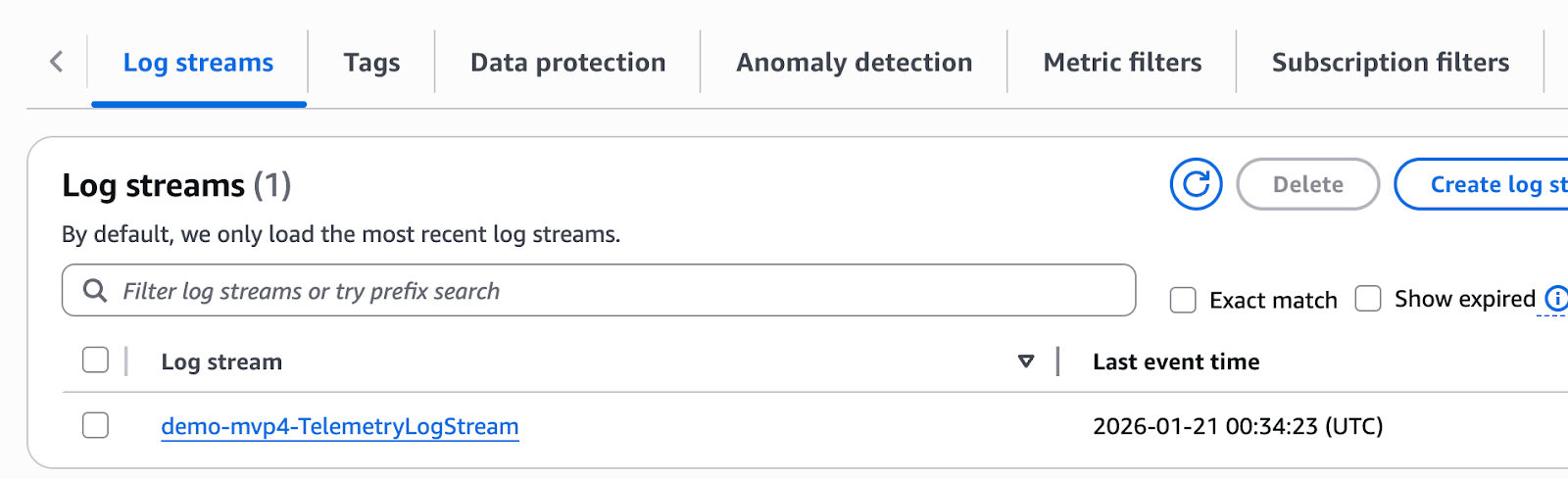
8. Select your **Log stream**:\
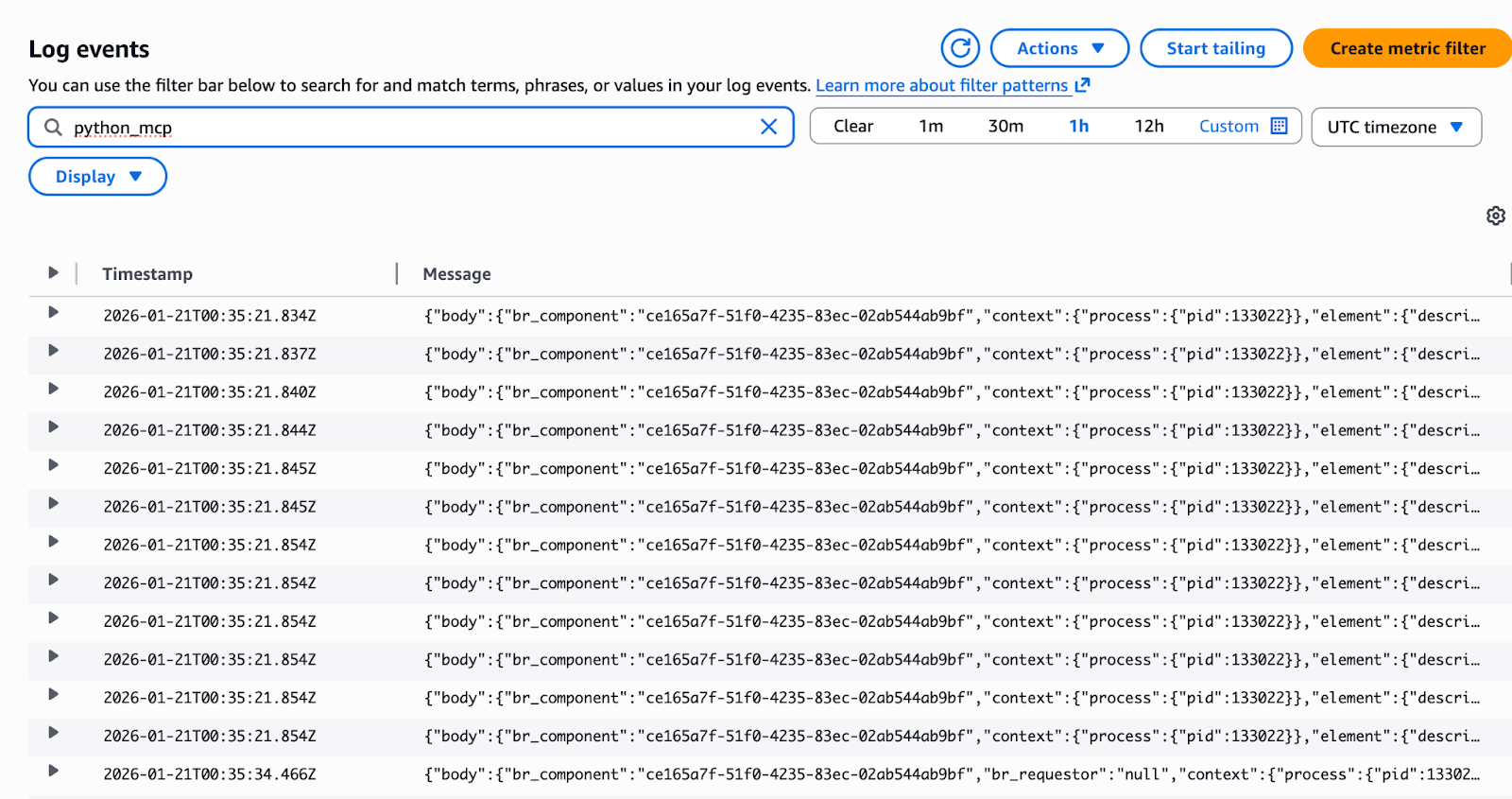
9. Search for **python\_mcp** in the search bar. This will list out all of the MCP calls and connections:\
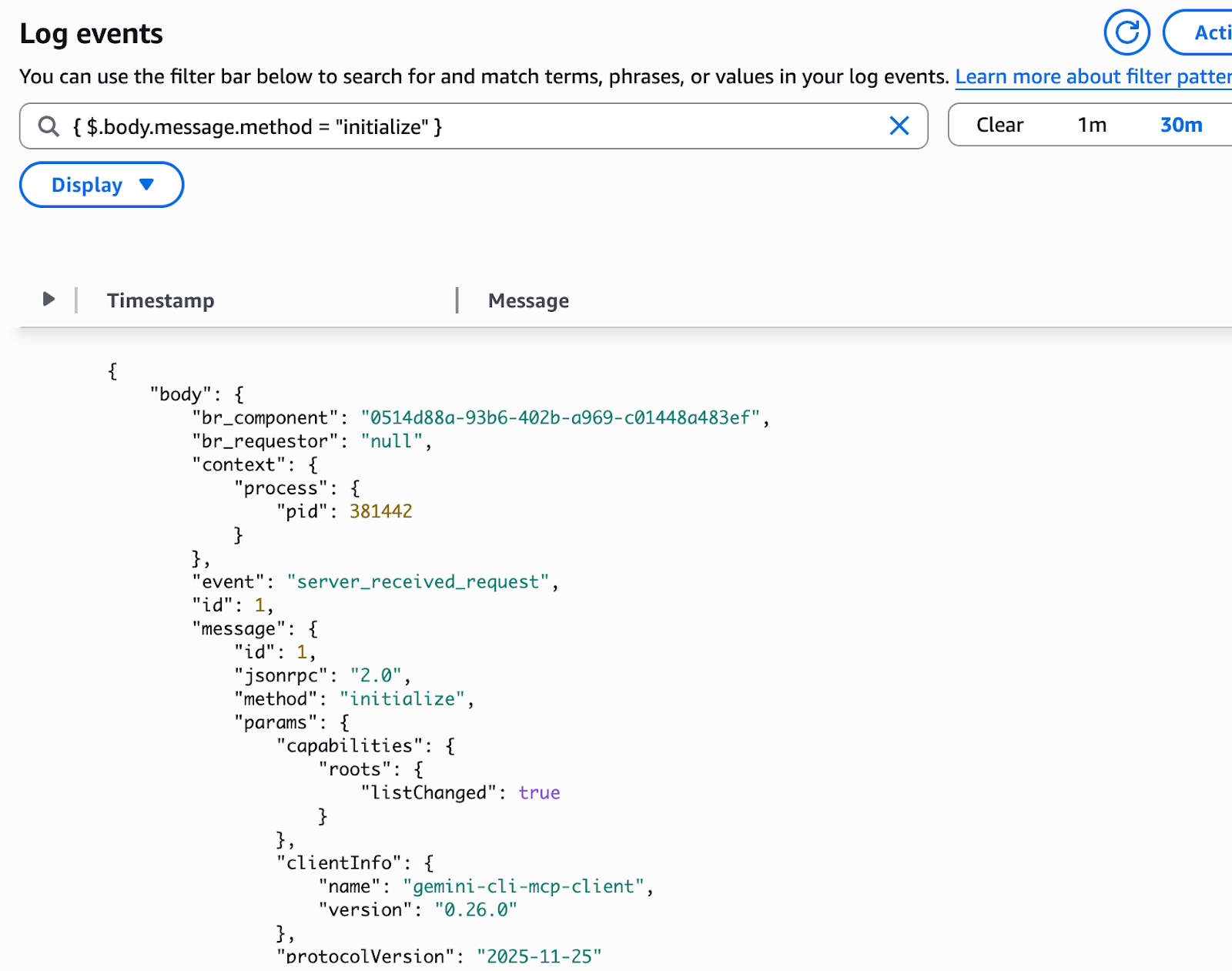
10. Now search for **{ $.body.message.method = "initialize" }**. This is the initial connection and MCP handshake between the client and server:\
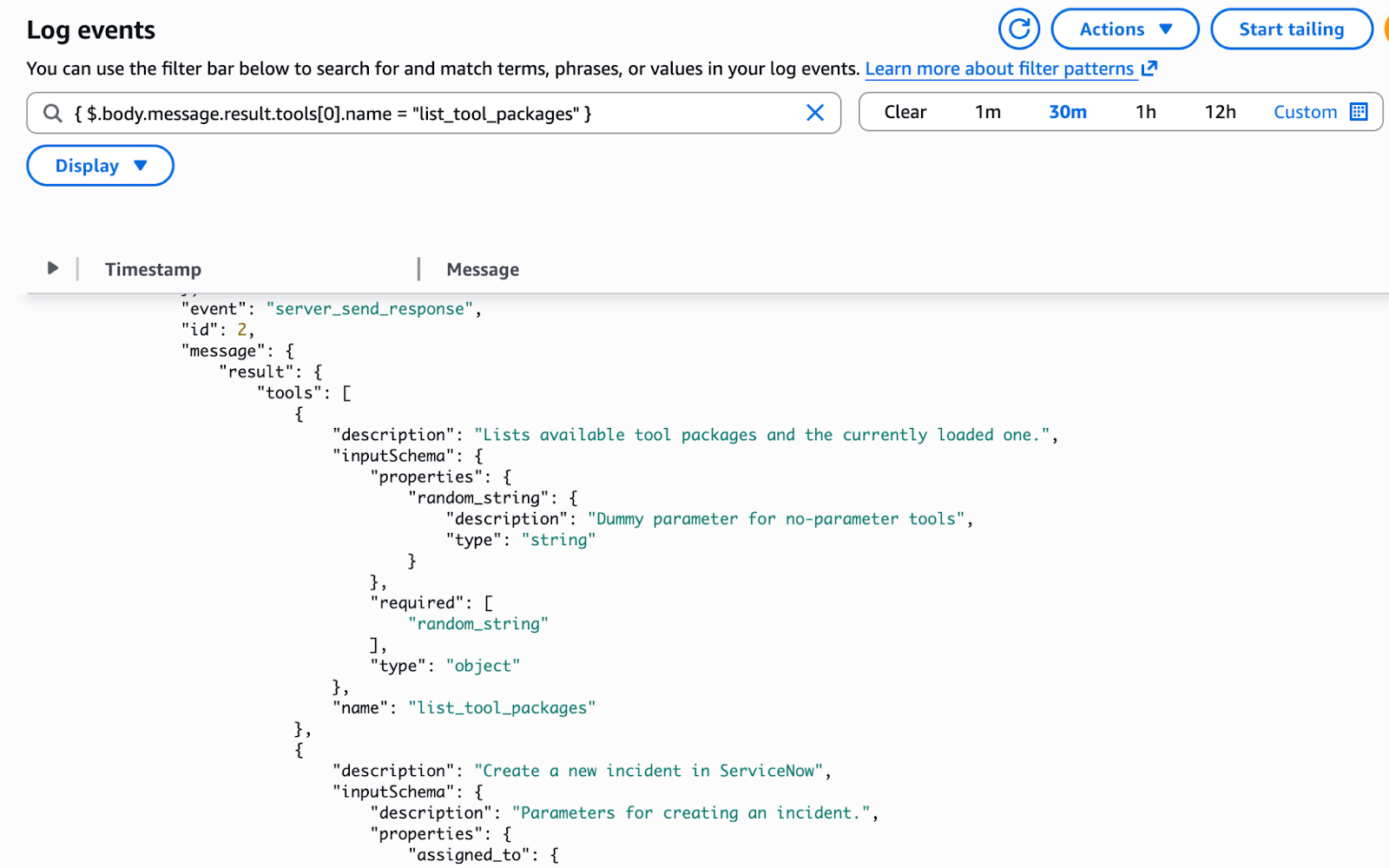
11. Next let’s list all of the tools by searching for **{ $.body.message.result.tools\[0].name = "list\_tool\_packages" }**:\
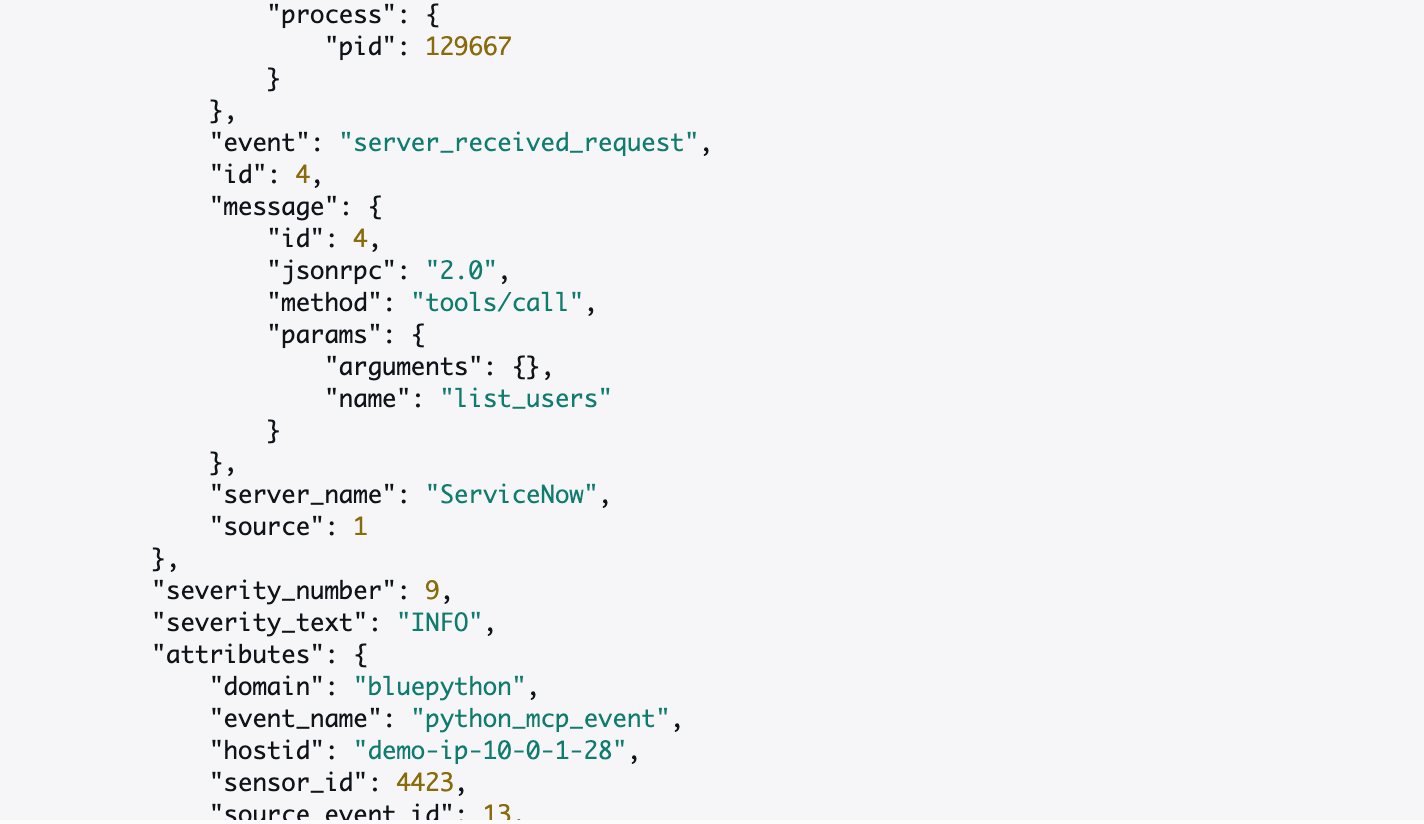
12. Next search **“tools/call”**. Make sure to use the quotes in the search. This will now show the specific tool calls used by the MCP Client:\